
Tenant settings
Administrative configuration settings for your LYNKS tenant
Introduction
The Tenant Settings section provides administrative configuration options for your LYNKS tenant. This area is where administrators manage users and groups, configure ordering party accounts, define signatory rules for payment approvals, set up payment categories, manage transaction currencies, and monitor compliance-related settings.
Changes to tenant settings follow the four-eyes principle, requiring approval before taking effect. The Pending Changes and Change History sections provide visibility into configuration modifications and maintain a complete audit trail for compliance purposes.
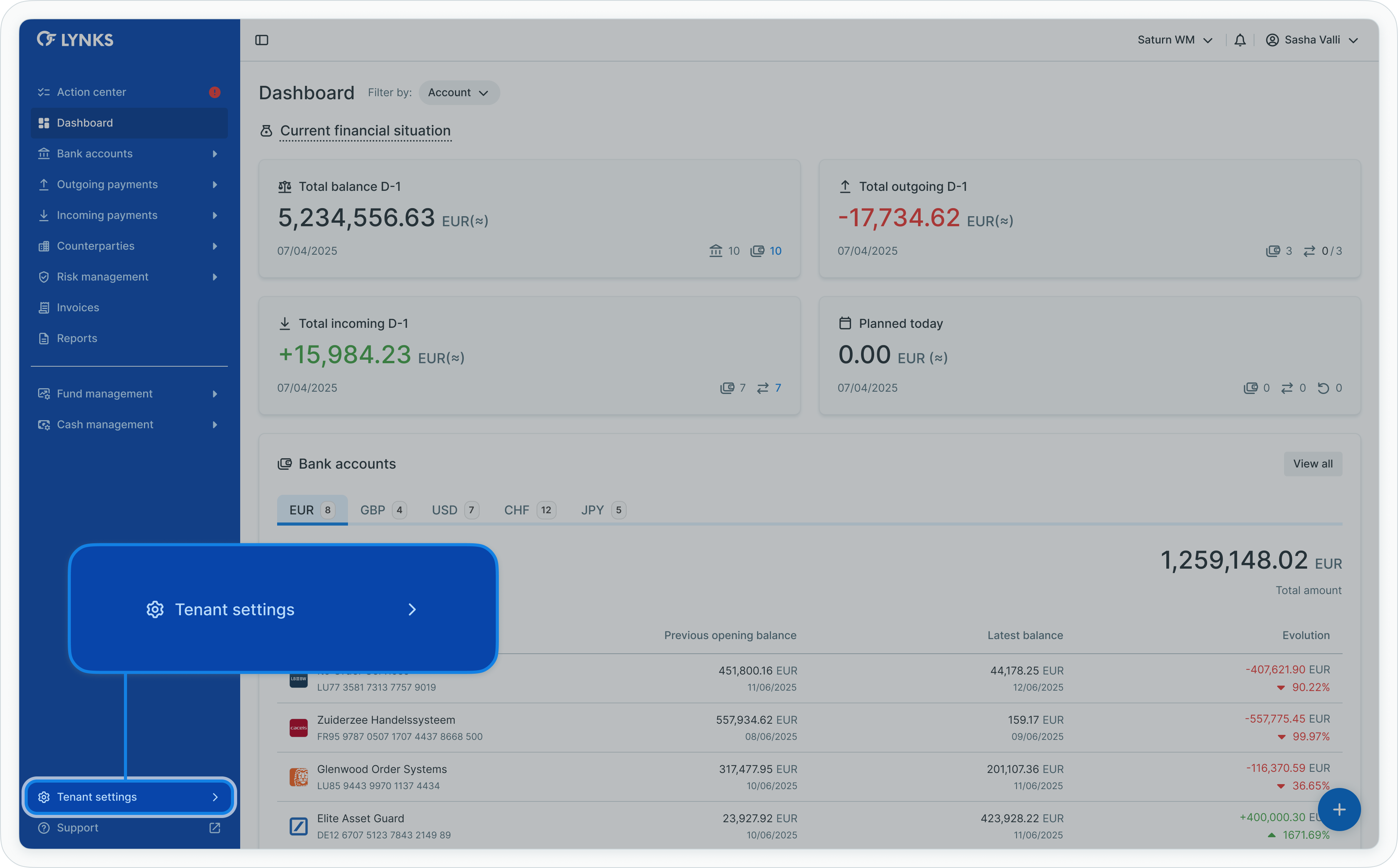
Tenant settings menu navigation
Related documentation
Explore related sections for more information:
- Permissions - Comprehensive explanation of access control and role-based permissions - Understanding the permission system and RBAC
- Approvals - How approval workflows and signature processes function - Approval workflows and signature concepts
- Authentication Methods - Detailed setup and usage of SSO, LuxTrust, and mobile app authentication - SSO, LuxTrust, and LYNKS Mobile App
- Compliance & Audit - Security features, audit trails, and regulatory compliance - Audit trail and compliance features
Support
For assistance with tenant configuration or administrative questions, contact [email protected].
Updated about 2 months ago